
How to Use the TSA Lock on Bric's Life SuitcasesUpdated 9 months ago
Whether you’re heading off on a short city break or a long-haul adventure, keeping your luggage secure while travelling is essential. Bric’s Life suitcases are fitted with an integrated TSA-approved combination lock, allowing you to secure your belongings while still enabling airport security to open your case if required, without causing damage.
This guide explains how to use your TSA lock correctly and confidently.
Opening Your Bric’s Life TSA Lock
When your suitcase is new, the lock will be set to a factory default combination.
- Align the combination dials to 0-0-0
- Slide the release mechanism on the lock until you hear a click
- Remove the zipper pulls from the lock and open your suitcase
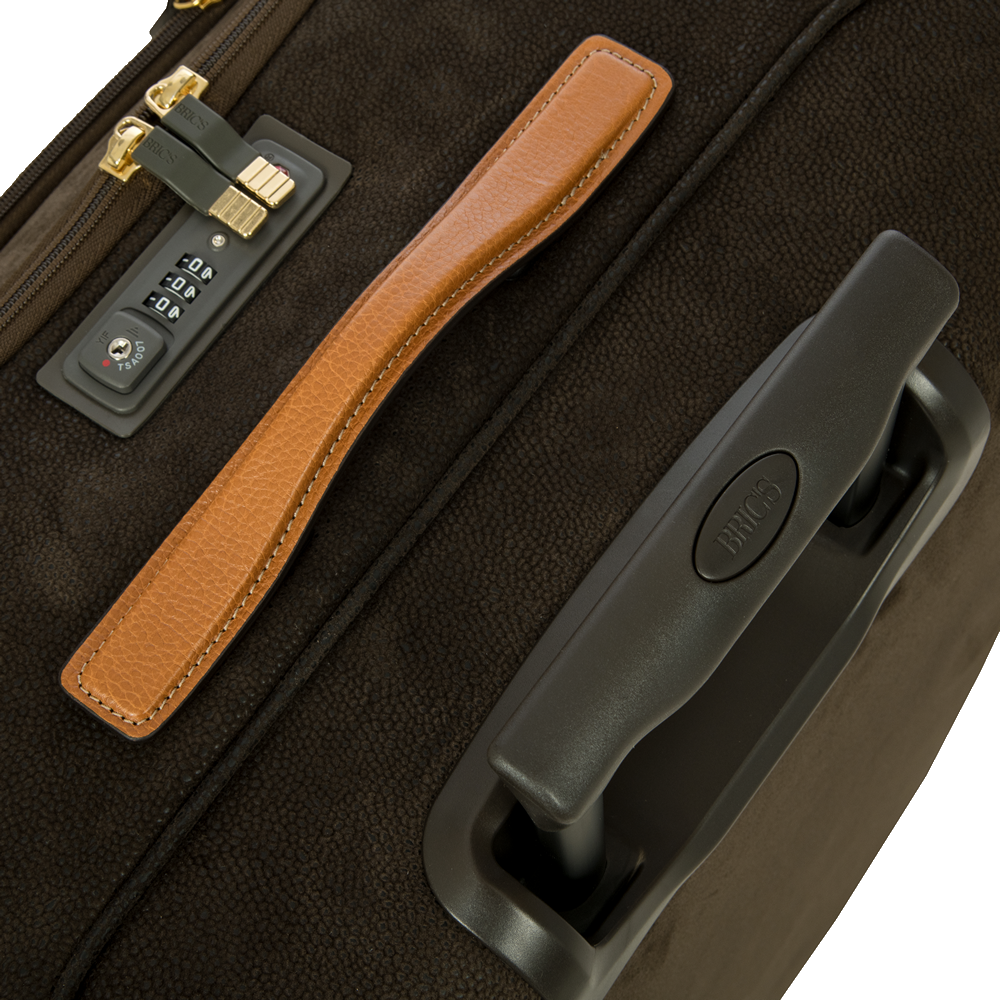 Bric's Life TSA Lock (Medium, Large & Extra-Large sizes)
Tip: Always ensure the lock opens successfully before attempting to change the combination.
How to Set Your Own Combination
To personalise your TSA lock:
- Open the lock using the default 0-0-0 combination
- Locate the reset button (a small recessed button near the dials)
- Press and hold the reset button using a pen or similar tool
- While holding the button, turn the dials to your chosen three-digit code
- Release the reset button to save your new combination
- Test the new code before closing the suitcase fully
Important: Make a note of your new combination and store it somewhere safe.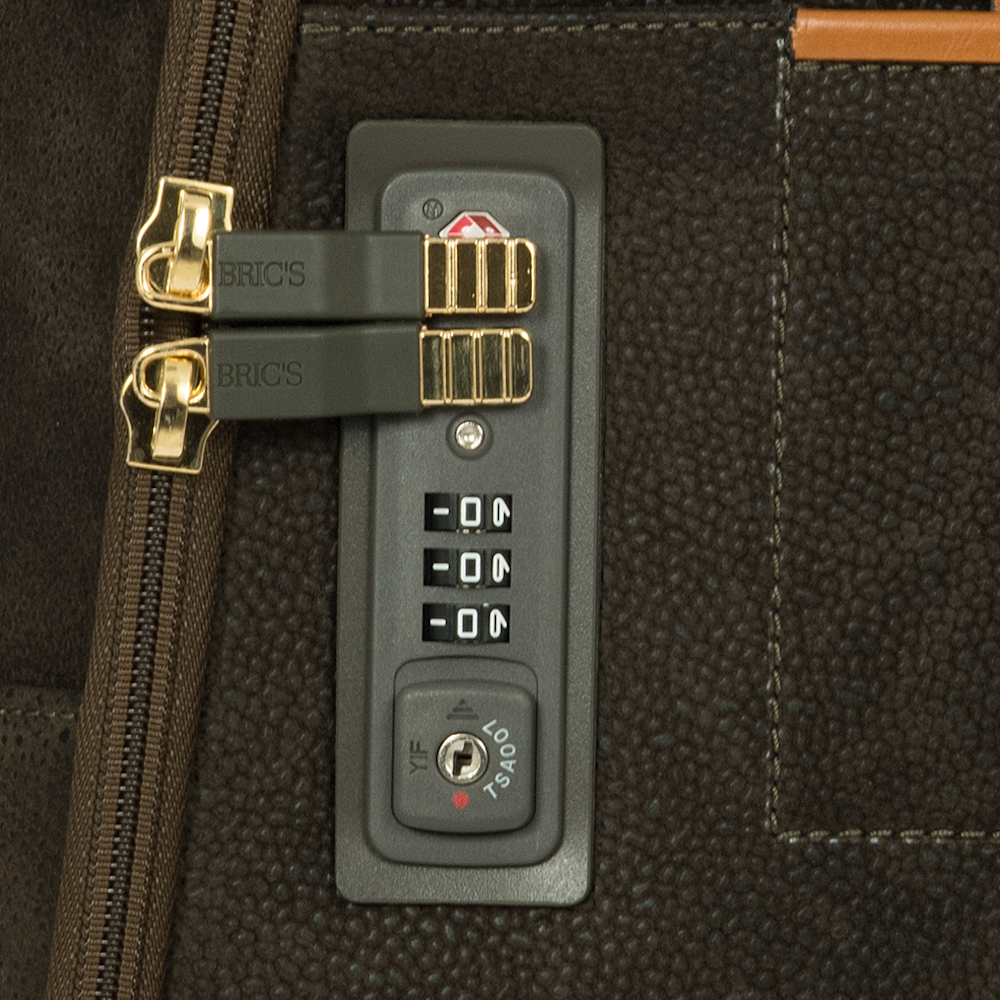 Bric's Life TSA Lock (Cabin only)Locking Your Suitcase for Travel
Once your combination is set:
- Close your suitcase and insert the zipper pulls into the lock
- Turn the number dials away from your chosen code
- Your suitcase is now securely locked and ready for travel
If airport security needs to inspect your case, they can unlock it using an official TSA key and relock it afterwards.